Right off the bat, there is no longer a prepaid voucher called an iTunes gift card. Apple’s official website does not provide the product anymore and replaced it with Apple gift cards, which is a single and unified card that functions across the entire Apple ecosystem. Whether you are trying to purchase a gift for your loved ones, give out gift cards as a business incentive, or simply look for ways to redeem and check the balance, we covered why iTunes gift card is the best product.
- What’s the Difference Between an iTunes Gift Card and an Apple Gift Card?
- How to Buy an Apple Gift Card Online
- How to Redeem an Apple Gift Card (Step-by-Step)
- Method 1: Redeem on iPhone or iPad (Recommended)
- Method 2: Redeem on a Mac
- Method 3: Redeem on Apple TV
- Method 4: Redeem on Apple.com (For Hardware Purchases)
- How to Check Your Apple Gift Card Balance
- Can You Use an Apple Gift Card for Subscriptions?
- Common Issues When Redeeming & How to Fix Them
- iTunes Gift Card Still Lives!
What’s the Difference Between an iTunes Gift Card and an Apple Gift Card?
One of the most common issues users face is the confusion about Apple gift cards’ name. whether it still counts as iTunes or merely an Apple voucher. Yet, it is quite simpler.
iTunes gift cards were the old ones that served limited functions. You could only purchase content available on iTunes, such as music, movies, apps, and in-app items. Unfortunately, they did not apply to hardware purchases like AirPods or Apple Watch bands. Plus, they served no flexibility beyond Apple’s media purchases.
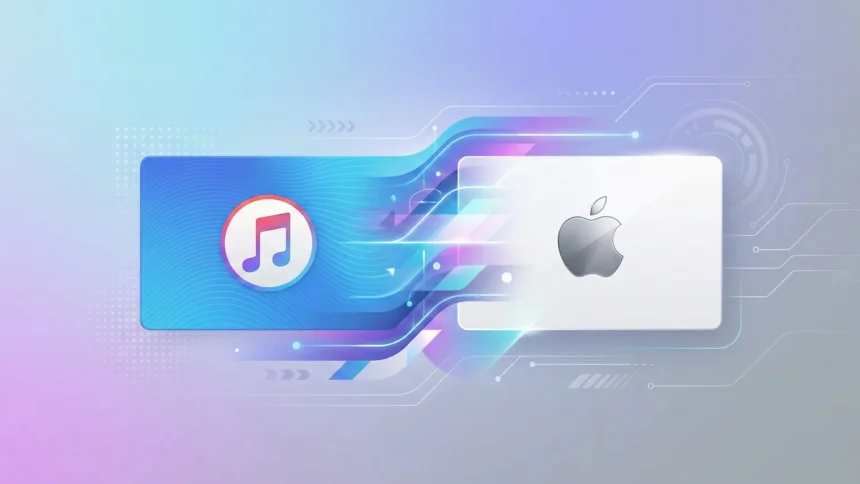
On the other hand, there is Apple Gift Card. Apple merged two separate cards, namely iTunes and the Apple Store gift card, into one product. Now, with the new edition, you can get:
- App Store, Apple Music, Apple TV+, Apple Arcade, iCloud+
- Hardware, Accessories, and AppleCare through Apple.com and the Apple Store app
- And Physical Apple Products for in-person purchases worldwide
The bottom line is If someone tells you to buy an “iTunes Gift Card,” they mean the Apple Gift Card. Usually, the old name is used, but the product has evolved drastically.
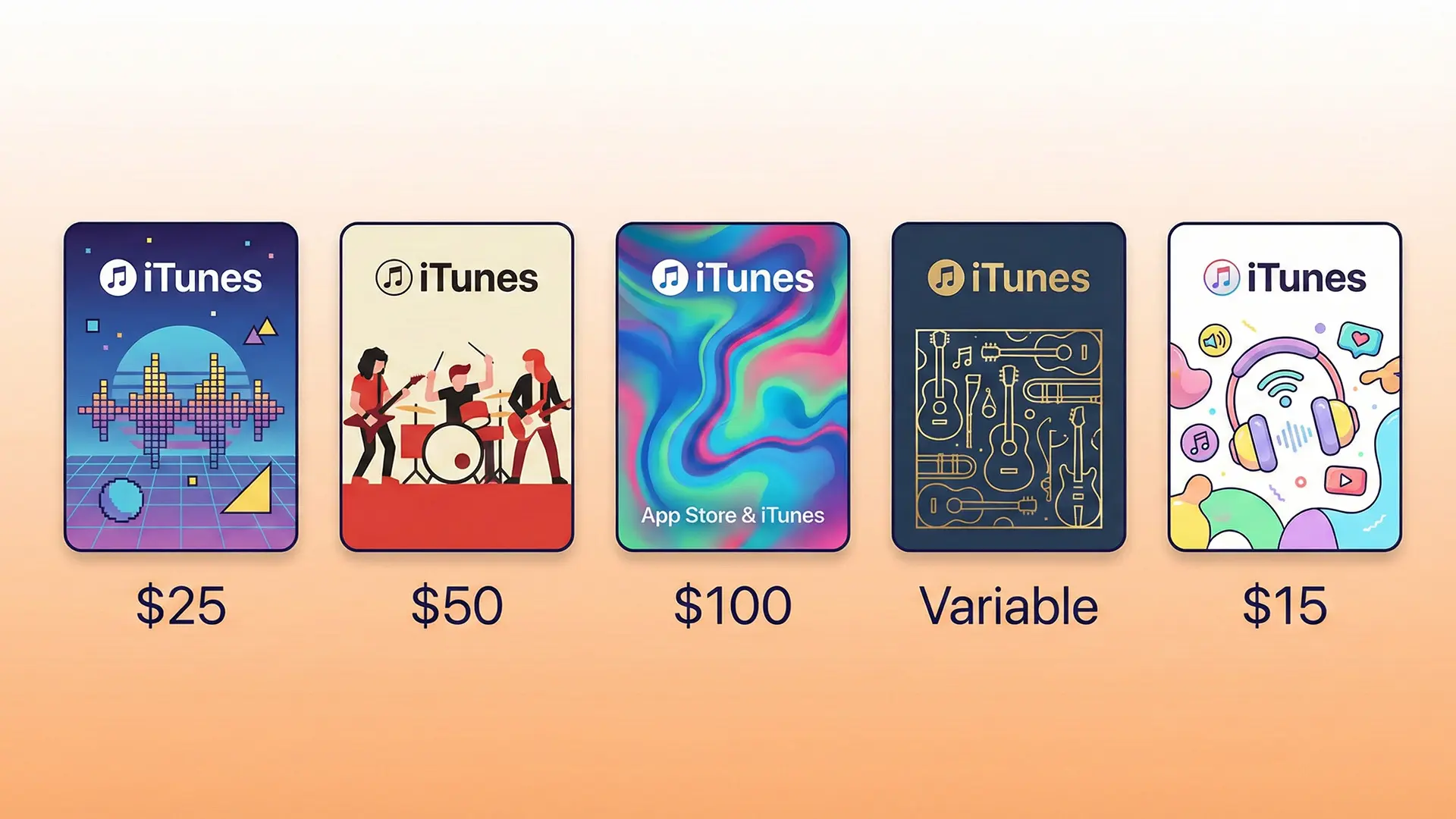
How to Buy an Apple Gift Card Online
Purchasing an iTunes or Apple prepaid voucher takes less than a couple of minutes. You can either buy directly from Apple’s Official Website and choose between the physical options and the digital edition. The good thing about it is that you can customize the card you are gifting based on the occasion.
Or, you can simply order the gift cards in small quantities or in bulk through multiple retailers like Amazon, Target, or EZ PIN. Such legitimate businesses provide the easiest and most secure ways to purchase a gift card.
We suggest always buying from authorized retailers to avoid scams involving tampering.
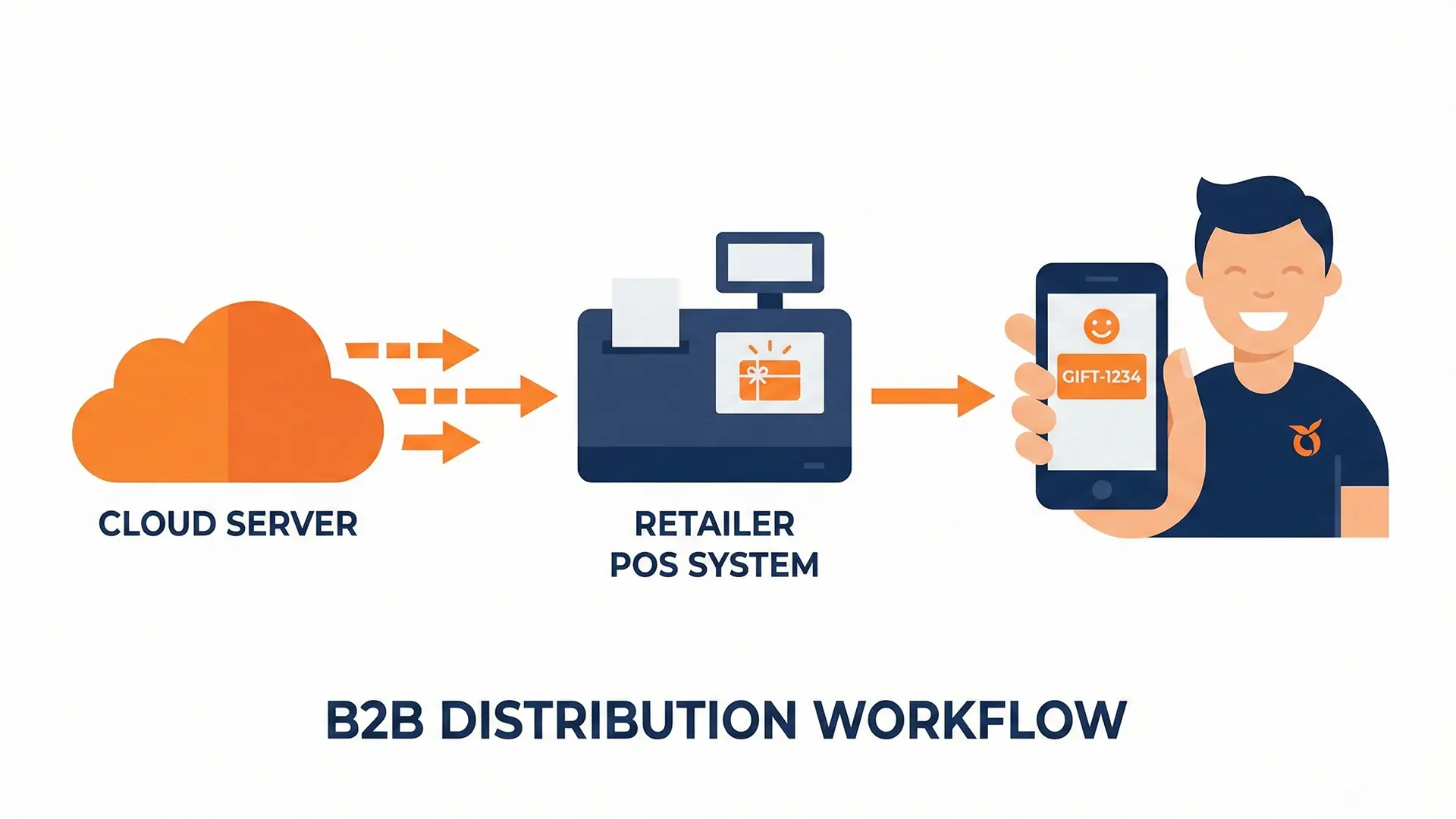
Quick Note for Businesses: Although a purchase is a simple transaction, managing corporate rewards and incentives involves a different direction. If you need to distribute iTunes gift cards in scope for the employees’ programs, you can choose a global distribution platform such as EZ PIN. It enables you to automate bulk deliveries securely via API.
How to Redeem an Apple Gift Card (Step-by-Step)
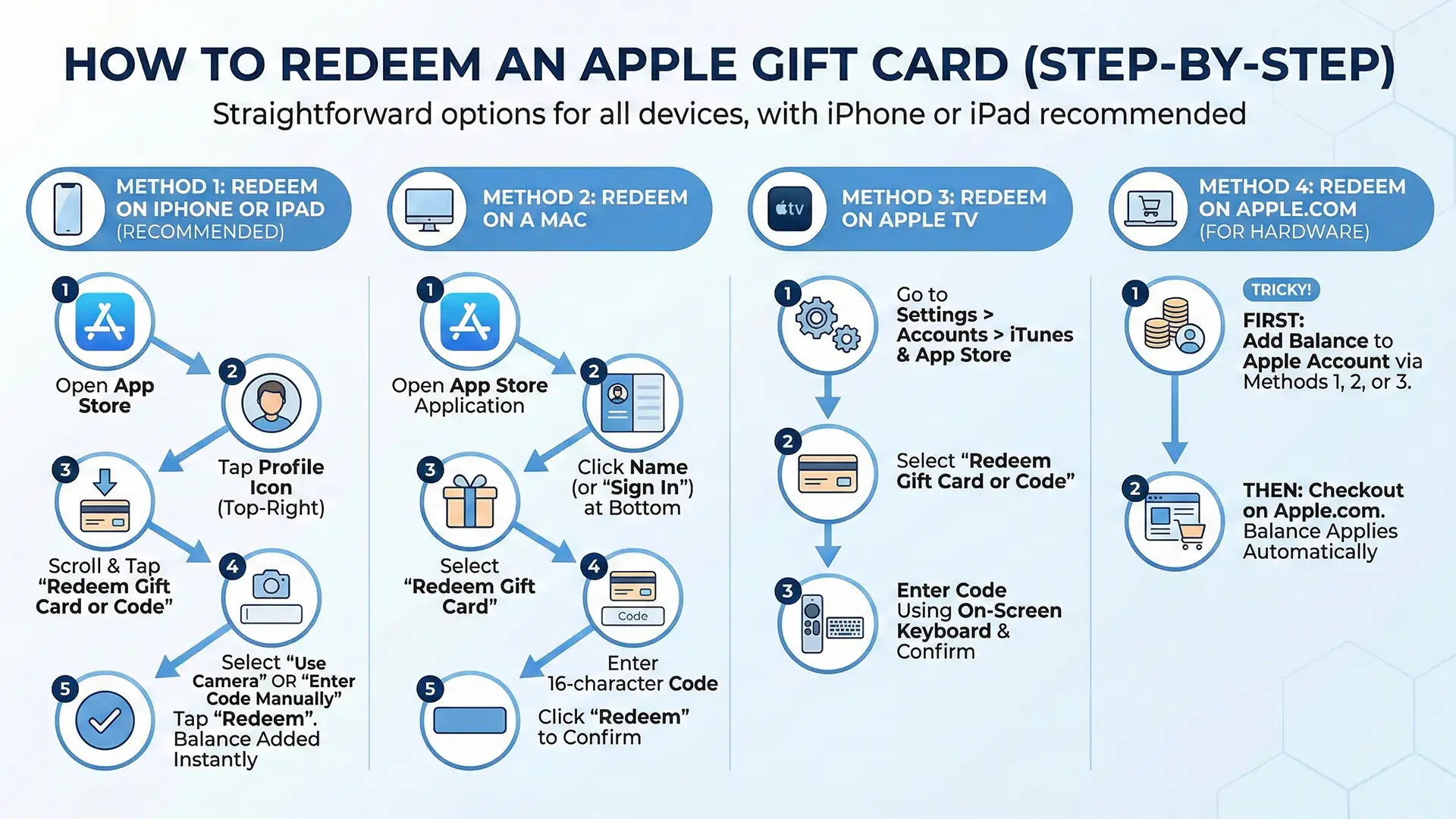
Redeeming an iTunes or Apple Gift Card is straightforward. The advantage is that you have several options depending on your device. The most reliable method is through your iPhone or iPad.
Method 1: Redeem on iPhone or iPad (Recommended)
- Open the App Store on your device.
- Tap your profile picture in the top-right corner.
- Scroll down and tap “Redeem Gift Card or Code.”
- Select “Use Camera” to scan the card’s code, or tap “Enter Code Manually” and type it in.
- Tap “Redeem”. This way, the balance is added to your Apple Account instantly.
Method 2: Redeem on a Mac
- Open the App Store application.
- Click your name (or “Sign In”) at the bottom of the sidebar.
- Select “Redeem Gift Card.”
- Enter the 16-character code printed under the scratch-off label.
- Click “Redeem” to confirm.
Method 3: Redeem on Apple TV
- Go to Settings > Accounts > iTunes & App Store.
- Select “Redeem Gift Card or Code.”
- Enter the code using the on-screen keyboard and confirm.
Method 4: Redeem on Apple.com (For Hardware Purchases)
This is a little tricky. If you like to use the card to buy hardware from Apple, such as a new Mac, iPhone, or iPad, the first thing you need to do is add the balance to your Apple Account with the aforementioned methods.
Then, simply do the checkout on Apple.com, and the balance will work automatically.
How to Check Your Apple Gift Card Balance
By knowing the remaining balance, you can shop freely. Here are the fastest methods to check the balance of an iTunes gift card (Apple prepaid voucher):
On iPhone or iPad:
- Open the App Store and tap your profile picture.
- Your Apple Account balance is displayed near the top of the screen.
On Mac:
- Open the App Store, click your name in the sidebar.
- Your balance appears beneath your Apple ID.
Via Apple’s Website:
- Visit appleid.apple.com and sign in.
- Navigate to Payment & Shipping. Your credit balance is listed there.
Note that no matter how many iTunes or Apple Gift Cards you stacked, usually the balance appears as a single Apple Account Credit. You cannot track each card’s balance that adds up to your account.
Can You Use an Apple Gift Card for Subscriptions?
Subscriptions are one of the most underrated uses of prepaid vouchers. By acquiring an Apple Gift Card, you can pay for Apple Music, iCloud+, Apple TV+, Apple Arcade, and Apple One.
As the balance runs out, Apple automatically charges your payment method of choice, so that your subscription never lapses.
Gift cards are an excellent budgeting tool. You can simply load up a gift card and set a spending ceiling. The other best thing about it is how secure you will remain without having to link your personal credit card info.
Common Issues When Redeeming & How to Fix Them
Even the most secure processes (especially in Apple’s ecosystem) occasionally have hiccups. Here are the most frequent challenges users face when they redeem gift cards and how to resolve them easily:
“This code has already been redeemed.” Unfortunately, the card has already been used before it reached you. This is a red flag for a counterfeit card. Quickly call the retailer for a replacement and report it to Apple Support.
“Code not recognized or invalid.” You can simply double-check that you’re entering the code correctly. Check for typos, and if the problem persists, contact Apple Support at support.apple.com with your proof of purchase.
“Balance not showing after redemption.” The best thing you can do is sign out of your Apple ID and sign back in.
iTunes Gift Card Still Lives!
iTunes still lives on between us and in search engines, but Apple calls it Apple Gift Card and is far more capable. Within Apple’s ecosystem, this is one of the most flexible ways to cover anything, from a new album to a fresh pair of AirPods.
Whether you are getting them for business incentives, customers’ loyalty programs, or simply giving them to a friend or even yourself, the process of buying, redeeming, and checking your balance is quite straightforward.
Scaling Your Digital Rewards? This guide covers everything for personal use, but if you represent a business looking to sell digital gift cards to hundreds of clients or global teams instantly, manual purchasing won’t cut it. Consider leveraging EZ PIN’s B2B solutions to streamline your corporate gifting and digital catalog integrations seamlessly.