Burger King Gift Card: Buy Online, Check Balance & Redeem How-to
- Earn Crowns for Your Purchase
- Buy Burger King Gift Cards (Digital & Physical)
- Where to Buy Burger King Gift Cards
- How to Check Your Burger King Gift Card Balance
- Troubleshooting: Why Can’t I Check My Balance?
- How to Redeem Your BK Gift Card
- FAQs (Frequently Asked Questions)
- 1. Do Burger King gift cards expire?
- 2. Can I reload my Burger King gift card?
- 3. What happens if my gift card is lost or stolen?
- 4. Are there fees for using a gift card?
- 5. Can I use multiple gift cards on one order?
- 6. Can I get cash back from a gift card?
- 7. Do gift cards work at international Burger King locations?
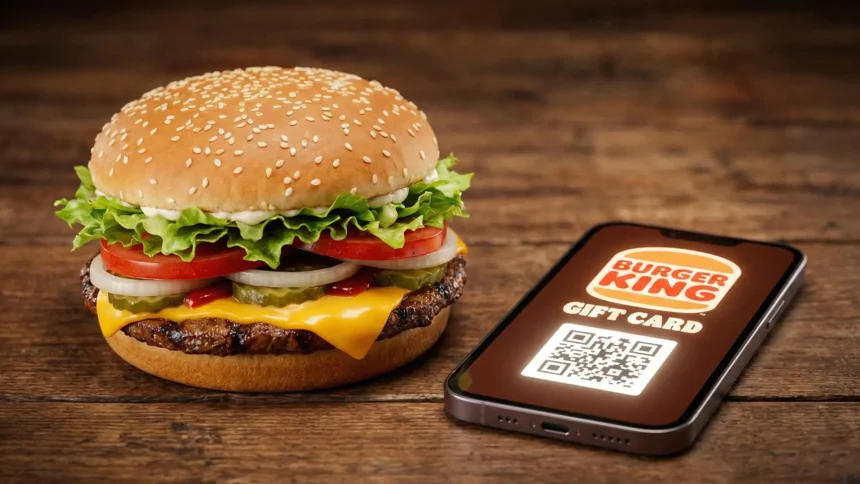
Do you need a fast and flexible gift card or just want to check the balance? Below, we explained how to buy a Burger King gift card that works at thousands of locations without an expiration date. You will also learn how to manage and check a Burger King gift card balance easily.
Check Balance on the BK App
If you have already redeemed your gift card on the BK mobile app, checking your balance becomes even simpler:
- Open the BK app on your smartphone
- Log in to your account
- Tap the “Account“ icon at the bottom of the screen
- Select “Payment Methods.”
- Your saved gift card balance displays directly under the card number
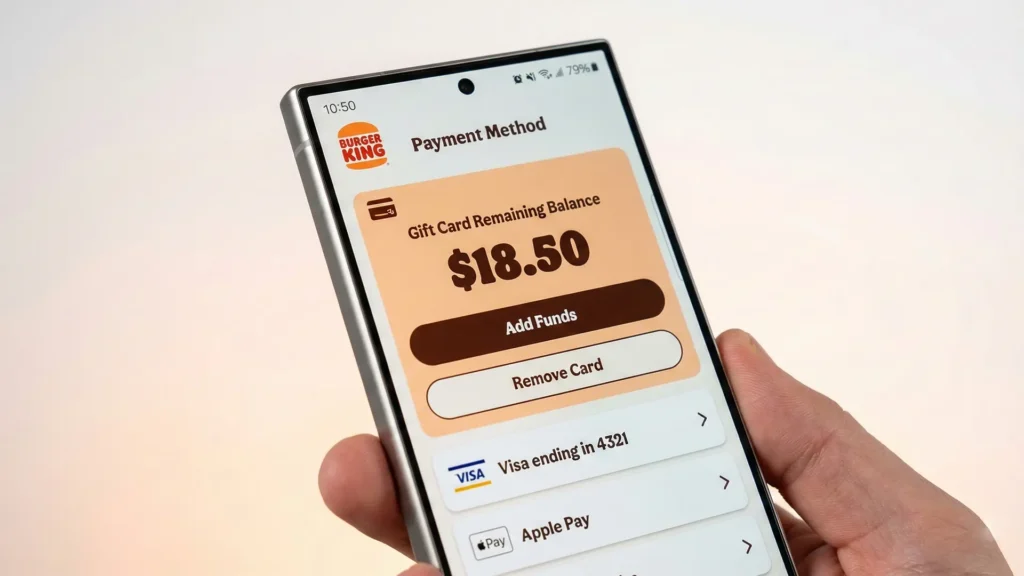
Alternate Method: You can also call 1-866-394-2493 (for U.S. citizens) and follow the automated prompts. You’ll need your card number and PIN ready.
Earn Crowns for Your Purchase
Burger King (1954) is the second-largest fast-food hamburger chain in the world. You will probably know it for its celebrated Whopper and “Have It Your Way” philosophy.
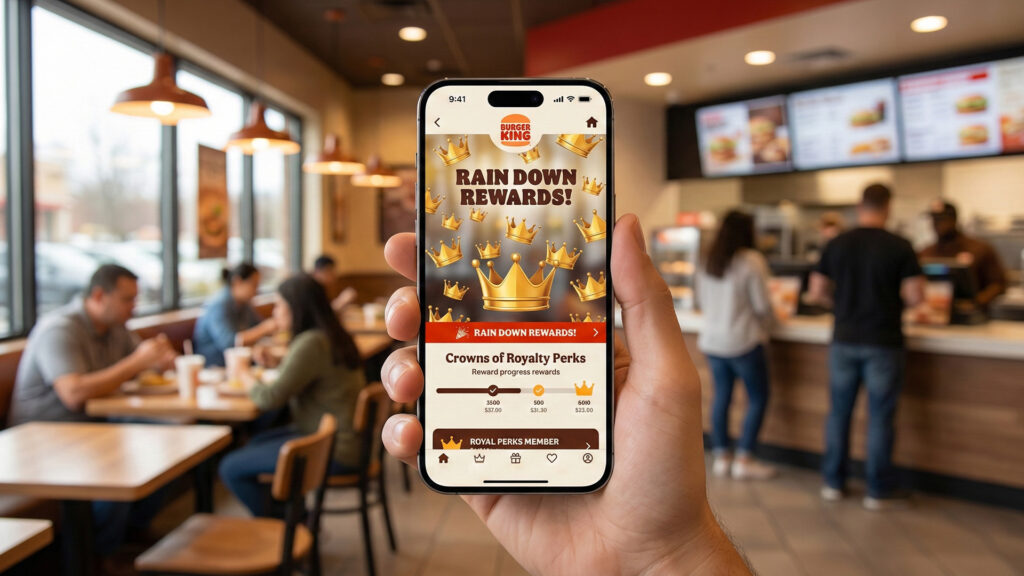
If you want to use a Burger King gift card, you should work with the Royal Perks loyalty program. Once you redeem a gift card on the BK App, you can pay for your meals digitally while automatically earning “Crowns”.
You get 10 Crowns for every dollar spent. These points quickly add up and can be redeemed for free menu items like fries or burgers.
Also, if you have decided to dine in, you should open your app, select the “My Code” (or “Earn”) option, and present the 6-digit code to the cashier to scan or input. The crowns automatically add up to your stash.
Buy Burger King Gift Cards (Digital & Physical)
Burger King offers two ways of buying cards:
You either get a physical gift card via a physical store or order it online, or you access a digital code via reliable websites such as Amazon, PayPal Gifts, Kroger, Walmart, EZ PIN, or the dynamic mobile app of BK.
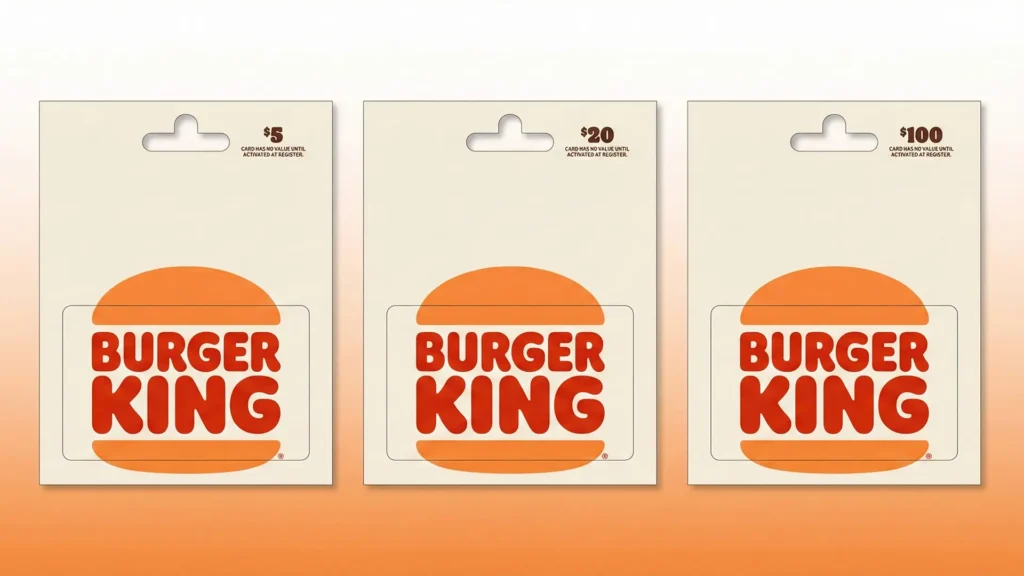
Physical Gift Cards are traditional plastic cards that are mailed to your address. They are usually available in denominations of $5 to $100. If you are trying to deliver the gift in person, these work out great. However, the delivery usually takes 5-7 business days.
On the other hand, eGift Cards offer digital delivery. You can get it instantly via email or SMS. The denominations are the same. They are the ideal choice for last-minute or remote gift-giving. Whoever received it can redeem it immediately on the BK app or print it out in the store.
Where to Buy Burger King Gift Cards
Purchase options include:
- Amazon – Physical and digital cards with Prime shipping
- EZ PIN – Digital Code and Instant Delivery (bulk purchase option available for companies)
- BK Mobile App – Buy and send eGift cards directly from your phone
- PayPal Gifts – Digital delivery with PayPal checkout
- BurgerKing.com – Official eGift card portal with instant email delivery
How to Check Your Burger King Gift Card Balance
Knowing your remaining balance usually helps you order better and removes cancellations on transactions.
Check Balance Online
- Visit the official Burger King Gift Card Balance page at bkgiftcard.com
- Enter your 16-digit gift card number (found on the front of the card)
- Enter the 8-digit PIN (found on the back, under the scratch-off panel)
- Click “Check Balance.”
- Your current balance displays instantly
Troubleshooting: Why Can’t I Check My Balance?
The common issues usually occur because:
- “Invalid card number” – Double-check you entered all 16 digits correctly. Zeros (0) can look like the letter O.
- “Invalid PIN” – Scratch the silver panel fully. PINs are 8 digits. If unreadable, contact customer service at 1-866-394-2493.
- “Card not activated” – Physical cards must be activated at checkout. If purchased recently, wait 24 hours and try again.
- Website down – If the balance checker won’t load, call the phone number instead or try during off-peak hours (before 11 AM EST).
How to Redeem Your BK Gift Card
Burger King gift cards work great for any kind of order. Be it dine-in, drive-thru, in-store pickup, or mobile app orders, the gift cards cover it all.
For in-Store redemption. All you need to do is:
Hand your gift card to the cashier or an associate at checkout. They will swipe or manually enter the card number. You are good to go.
If your order exceeds the card balance, you can pay the difference with cash or another card. We suggest you keep your card. The BK gift card balance never expires, so you can use the remaining funds later.
It is worth mentioning that BK gift cards cannot be used for delivery orders on third-party apps like DoorDash or Uber Eats.
For redeeming gift cards through the BK App (Mobile Order & Pay)
All you have to do is:
- Download the BK app (iOS/Android)
- Create an account or log in
- Tap “Account” → “Payment Methods.”
- Select “Add Gift Card.”
- Enter your gift card number and PIN
- The balance now appears in your digital wallet
BK always rewards its customers. You can earn Royal Perks rewards on purchases made with gift cards through the app. Plus, you can always get gift cards for yourself or a friend via Visa Virtual Gift Card that makes the transaction easy and safe.
FAQs (Frequently Asked Questions)
1. Do Burger King gift cards expire?
No. BK gift cards have no expiration date and no dormancy fees. Your balance remains active indefinitely.
2. Can I reload my Burger King gift card?
No. BK gift cards are non-reloadable. Once depleted, you’ll need to purchase a new card.
3. What happens if my gift card is lost or stolen?
Burger King gift cards are treated like cash. If lost or stolen, they cannot be replaced or refunded unless you have the original purchase receipt and can provide the card number.
4. Are there fees for using a gift card?
No activation fees, service fees, or transaction fees apply.
5. Can I use multiple gift cards on one order?
In-store: Yes, you can use multiple cards. Just hand them to the cashier.
On the BK app: Only one gift card can be applied per order. Add a second payment method if needed.
6. Can I get cash back from a gift card?
No. Gift cards cannot be redeemed for cash except where required by law (some states allow cash back if the balance is under $10).
7. Do gift cards work at international Burger King locations?
No. Cards purchased in the U.S. only work at U.S. Burger King restaurants. Canada and other countries require locally purchased cards.
Ready to buy? Get a Burger King eGift card delivered to your inbox in minutes through EZ PIN. We offer B2B bulk gift cards for companies and businesses across the globe.